Native UI delivery to iOS apps without review
Build flows and screens with your AI agent.
Hit Publish –> go live.

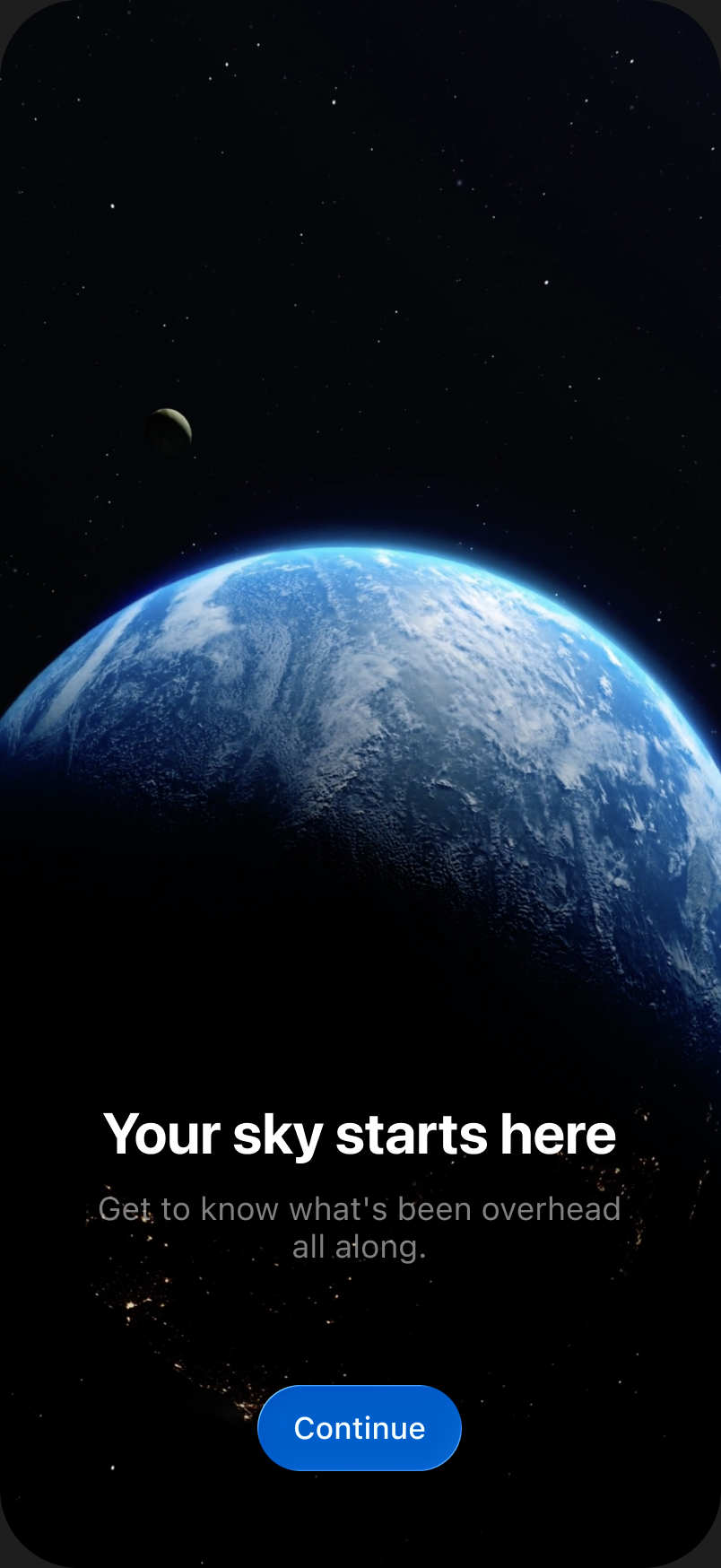
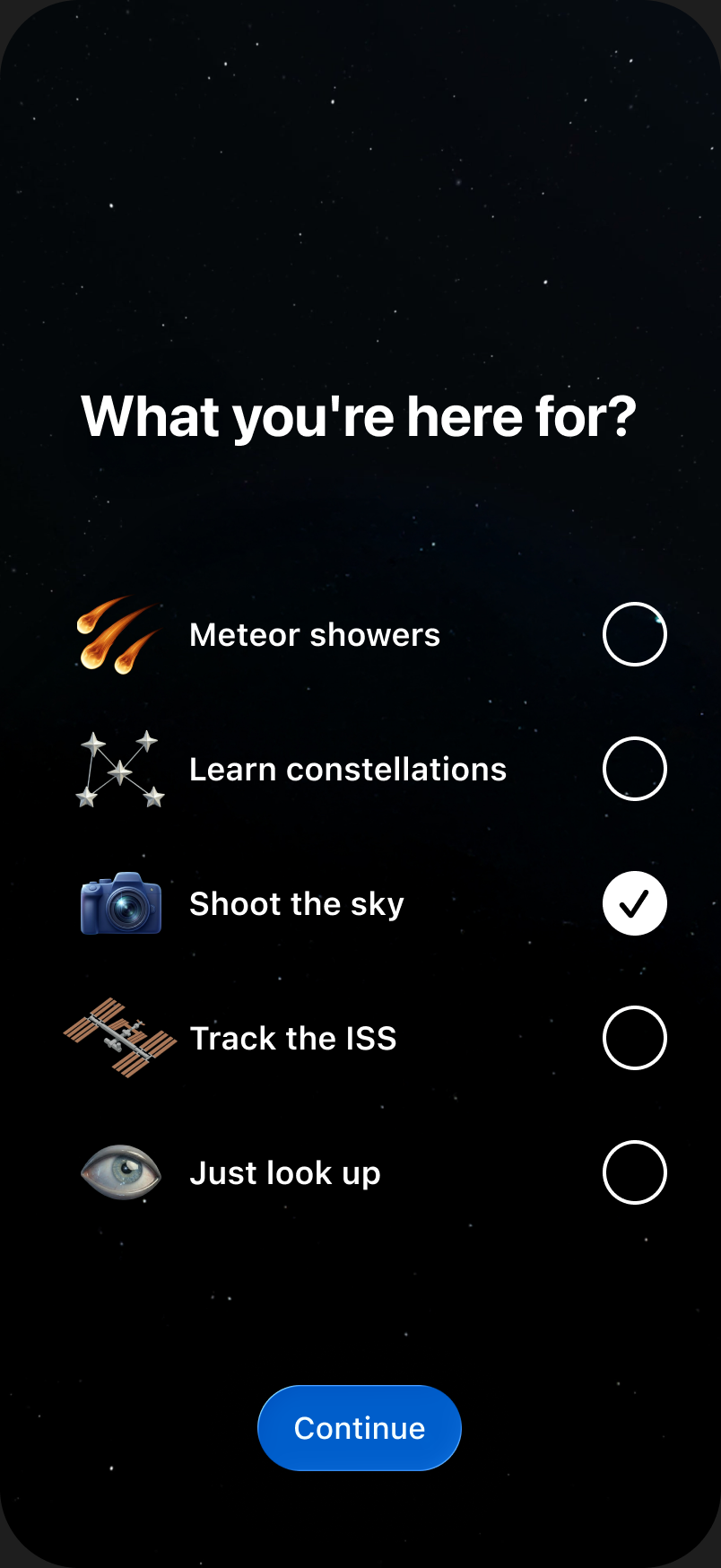
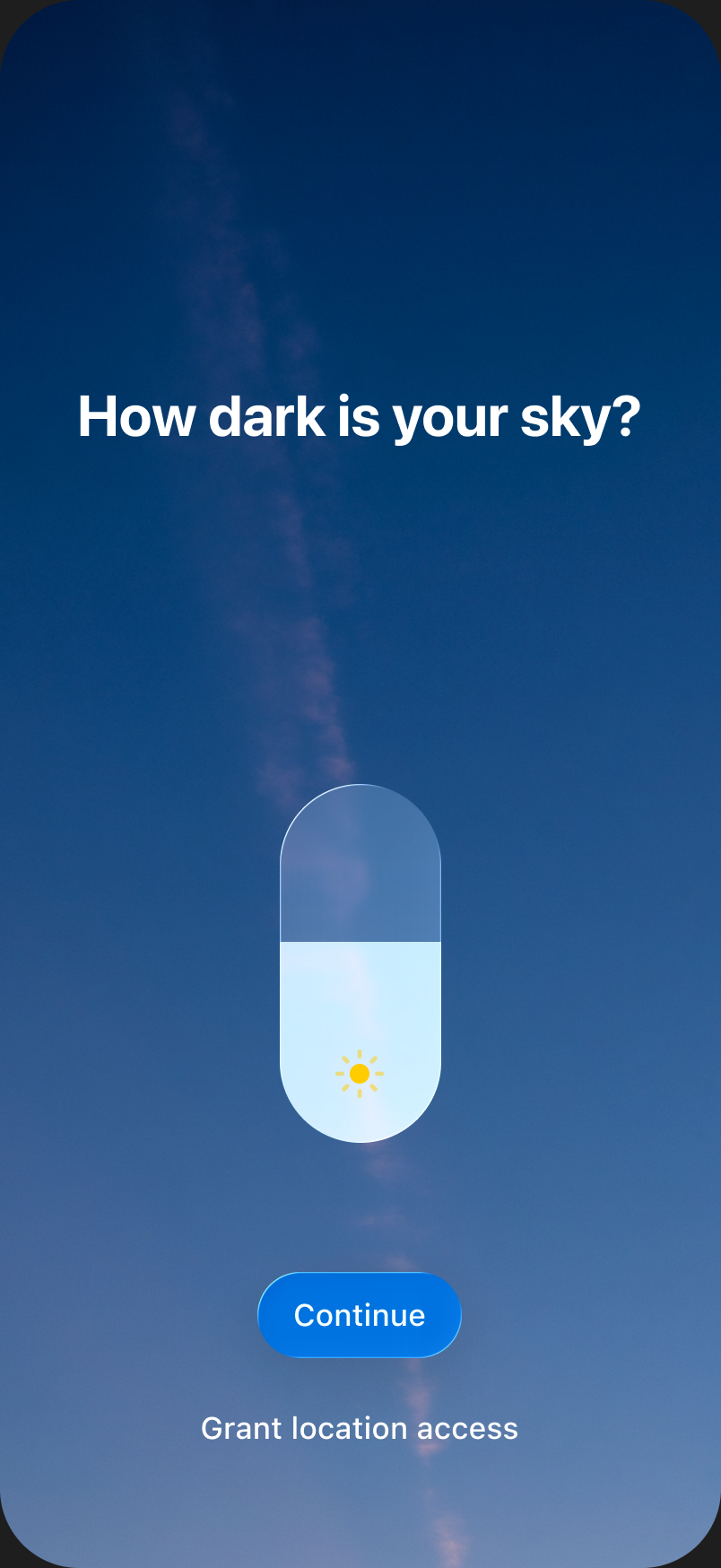
Meet Stage:
AI-Native baby
 and
and
Flows and screens for your app, on a canvas.
Interactive. Rendered by UIKit.
Scan your Xcode project
 Assets
 Styles
 Typography
 Localizations
Describe Watch it build


Use your fav agent,
your own subscription


Try every device, every language. No rebuilds.
 Device
 EN
EN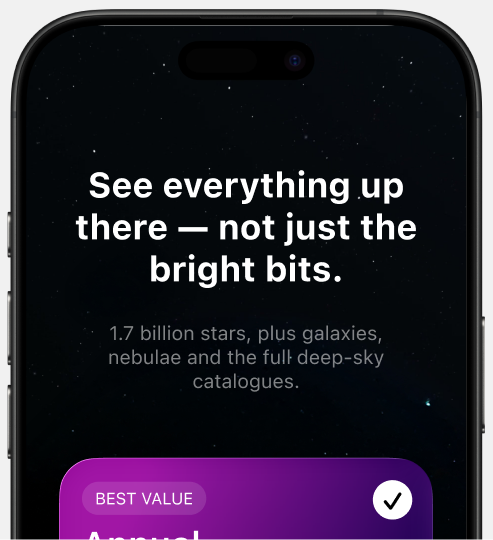
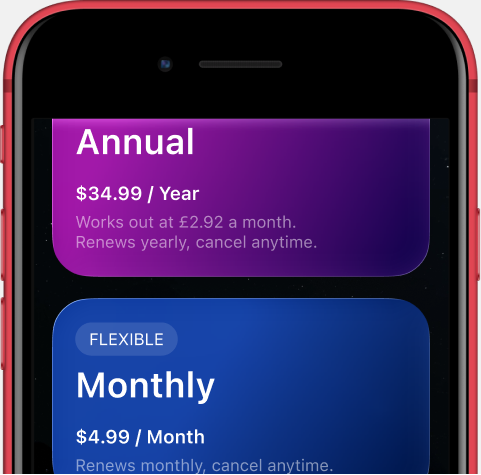
Hit Publish go live
Over the air, through the open-source SDK.
Live for every user in seconds – versioned, rollback anytime.
Built for stuff
you change weekly
The screens & flows that decide your metrics.
Shipped at the speed you think of them.
One-prompt SDK integration
Paste into Claude Code, Cursor, or any agent.
Integrate the App8 SDK into this iOS app.
Read the skill at {...}/app8-integrate-sdk/SKILL.md and follow it exactly. Use the {apiKey} and {appId}.
Your analytics
Everything emits events, proxied into whatever you already use.
Version control
Full history of all changes.
Nothing ships without your approval.
v15•2h ago
Portuguese l10n
v14•yesterday
Fixed card layout
v13•28/06
Quiz version B
A declarative DSL for UI, state, and flows.
Renders DSL natively. Overlay / inline. Calls deeplinks, emits events.
Q&A
App Review bans downloading executable code. Stage doesn't ship code – screens travel as data, a declarative DSL the SDK turns into native views. It's the same server-driven approach Airbnb and Lyft run at scale. Your binary never changes: everything the app can do was in the build Apple reviewed.
Yes – SwiftUI or UIKit. The renderer is UIKit under the hood and embeds the same way in both: overlay a full screen, or drop a view inline into an existing layout. Integration is the single prompt above; your agent handles the rest.
Nothing user-visible. Screens render from an on-device cache – cached, prefetched, or bundled in your binary as an offline pack. If a screen truly can't render, the SDK shows your native fallback instead of throwing. Your app degrades to exactly what it was before Stage.
Barely. The App8 SDK is open source and sits in your app like any other dependency. Stage screens are additive – overlays and embedded views, not rewrites. Remove it and your app builds and ships exactly as before; you lose the screens you shipped through Stage, nothing else.